Step 1
Download Downloader from the Play Store on your TV
Install the Downloader app on your TV first. It will look like the image below.
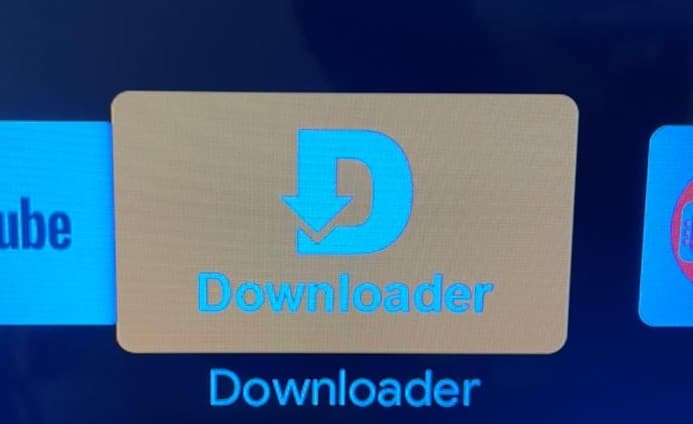
Installation instructions are below. Scroll down to follow the steps for TV or mobile.
Stream movies & series on your Android TV, smart TV, or TV box.
Version 1.0.0 • 59 MB • Android 7.0+
Free to download • No ads • Subscribe or pay per movie
Installation Guide
Follow these steps on your TV to install either the Mr Flix Mobile APK or the Mr Flix TV APK.
Install the Downloader app on your TV first. It will look like the image below.
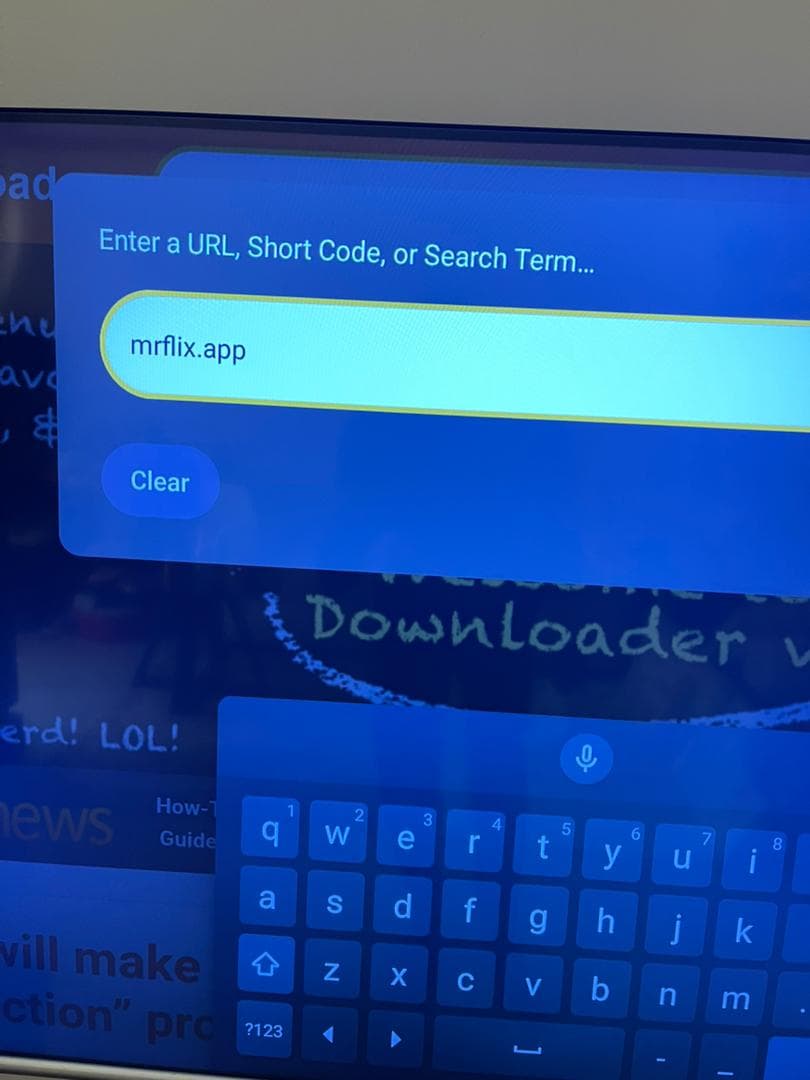
Open Downloader, type mrflix.app into the search bar, then press Enter or Go.
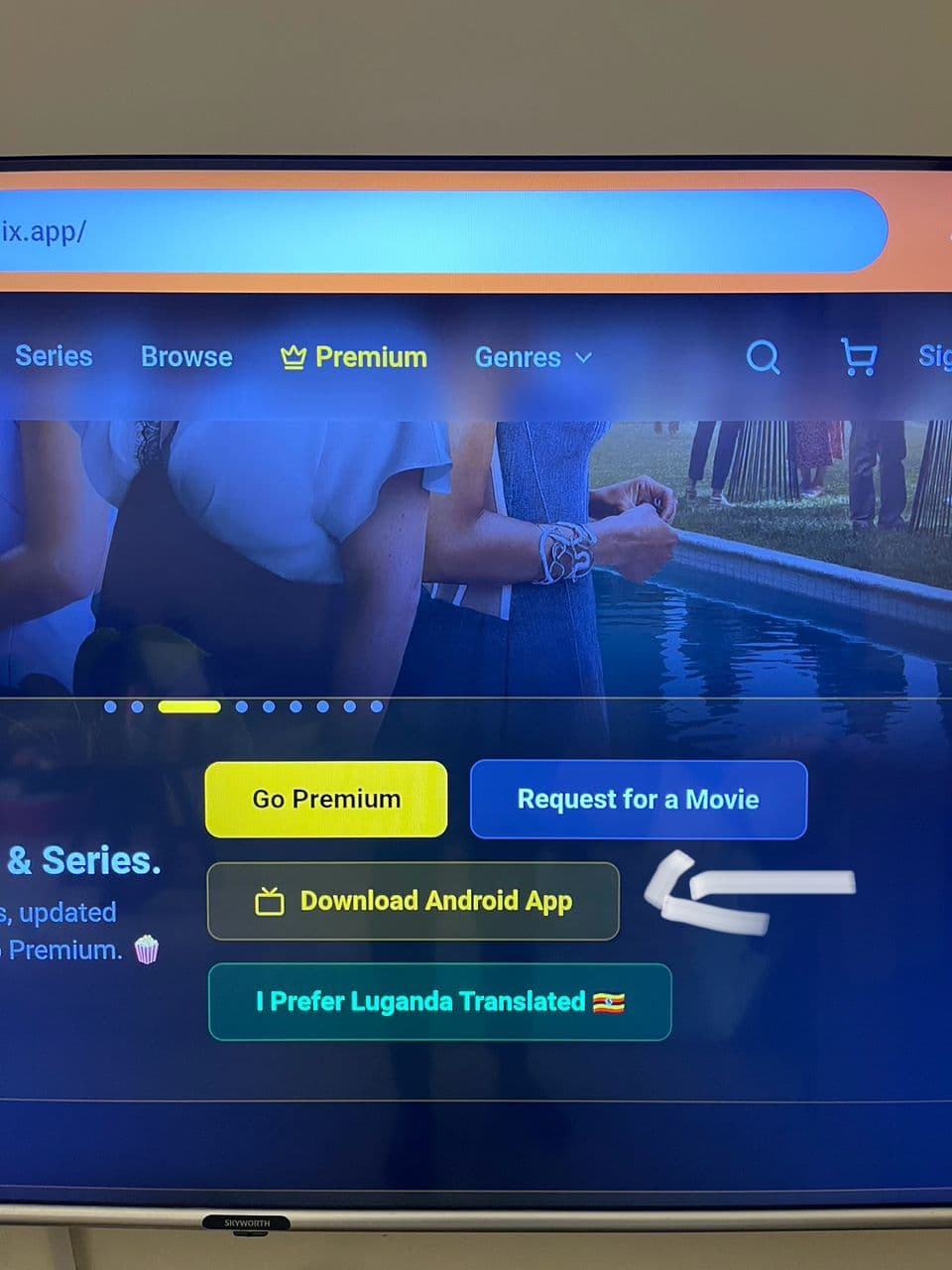
When the website opens, scroll down a little and tap Download Android App.
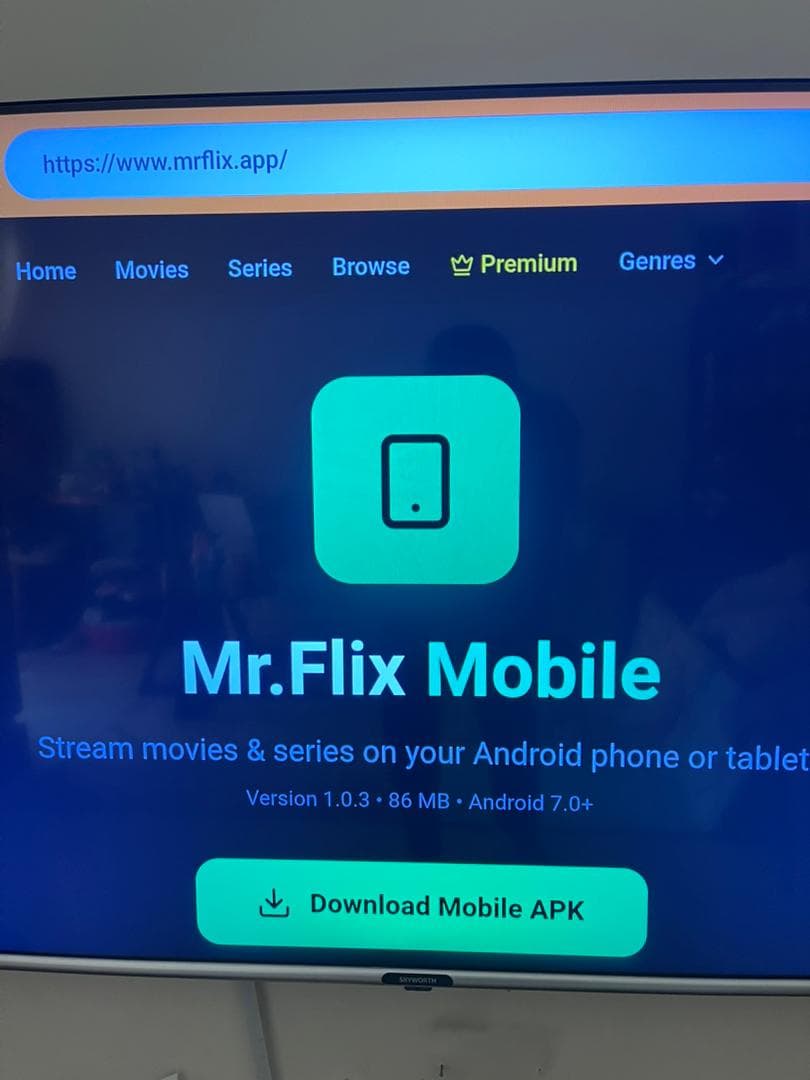
If you want the mobile app APK, click the first green Download Mobile Apk button.
For TV, scroll down until you see Mr Flix TV and press the yellow download button.
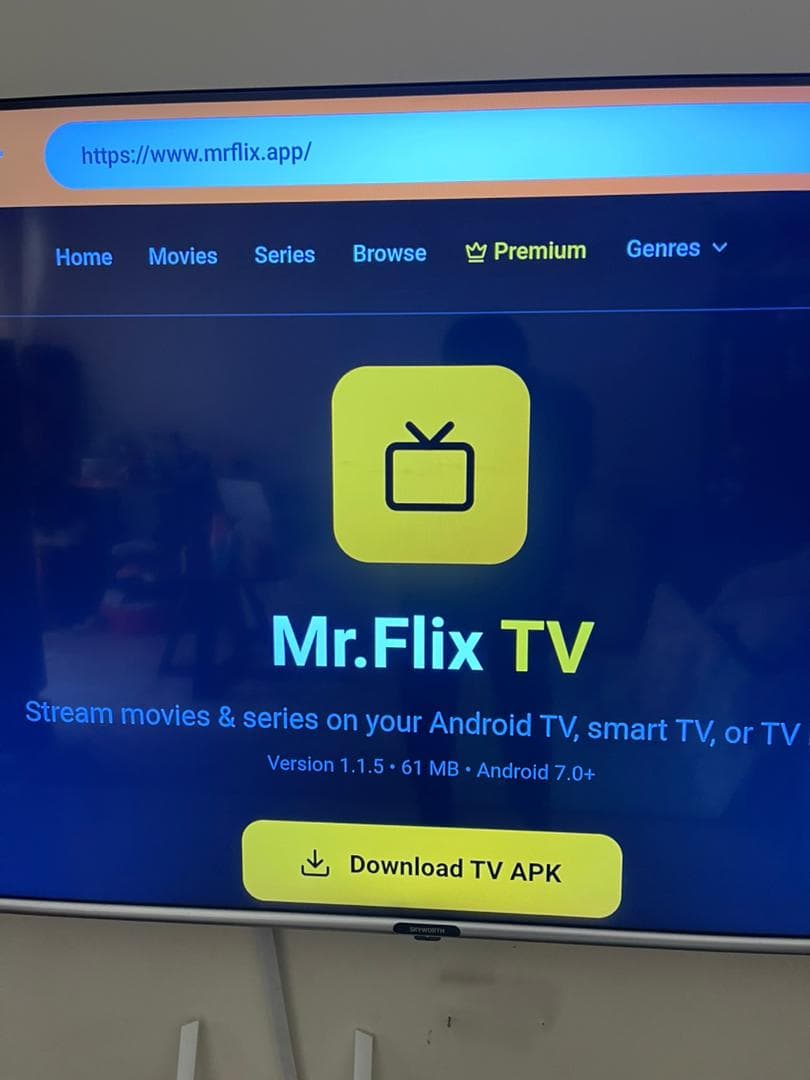
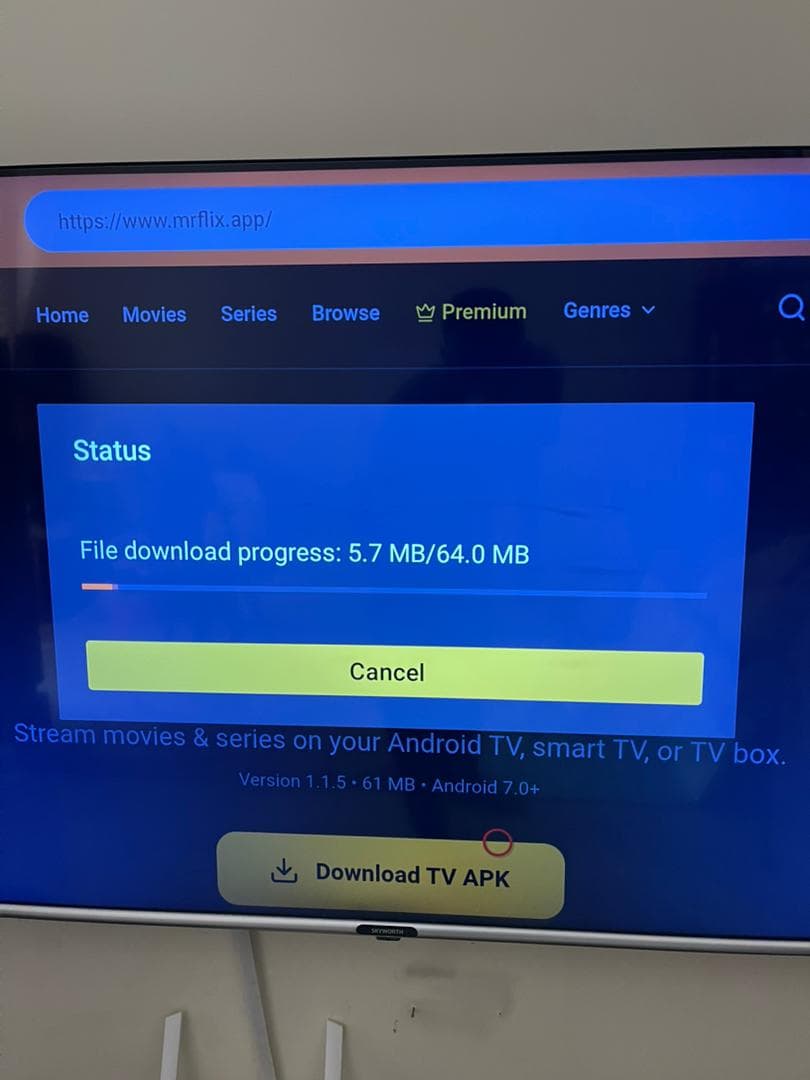
The download will start automatically and then try to install the app when it finishes.
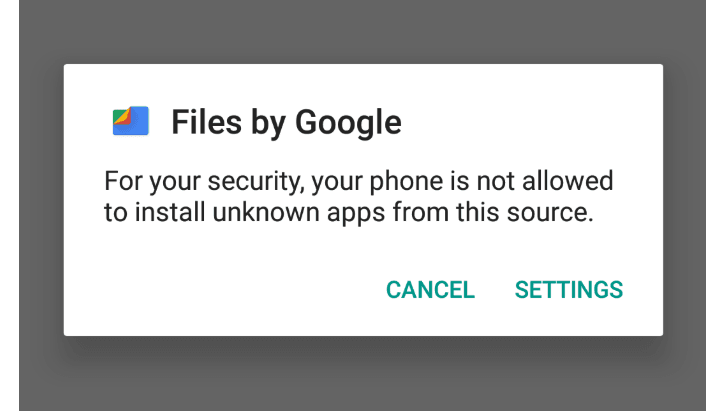
If this is your first APK install, the device will warn you. Tap Settings to open the unknown apps permission.
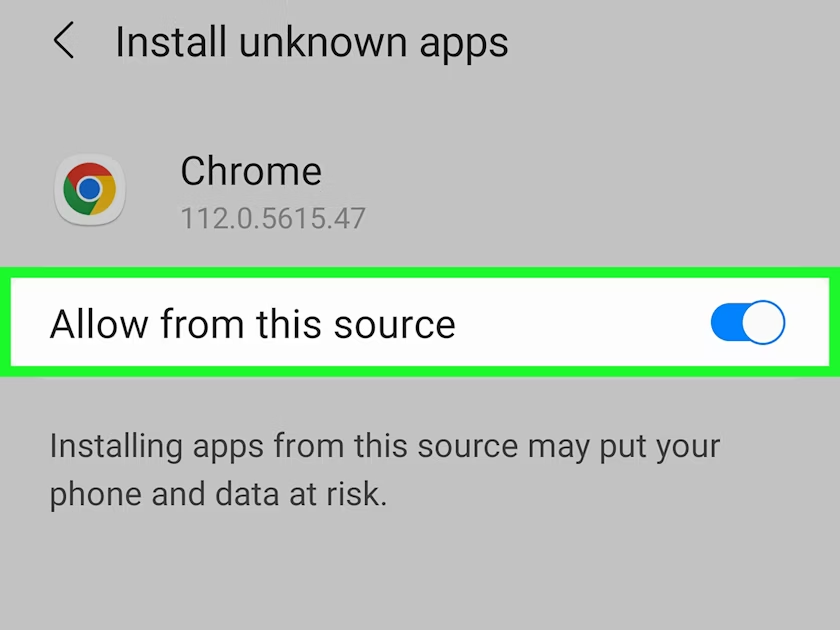
Turn on Allow from this source for Downloader, then go back and open the downloaded file to install the app.
Mobile users
On Android phones, open your browser, type mrflix.app in the address bar, and then tap Download Android App to get the mobile APK.
TV tip
If you are on a TV or TV box, Downloader makes it easy to open mrflix.app, grab the APK, and finish the install directly on the device.